Branding, research, and UI/UX design for a B2B2C edtech app

Building a beta product for users to explore and compare possible life journeys

Building a beta product for users to explore and compare possible life journeys

Project

What's NXT

Role

Product Branding

UI/UX Design

Design System

Team

1 developer
1 designer (me)

Year

2024 (2 weeks)
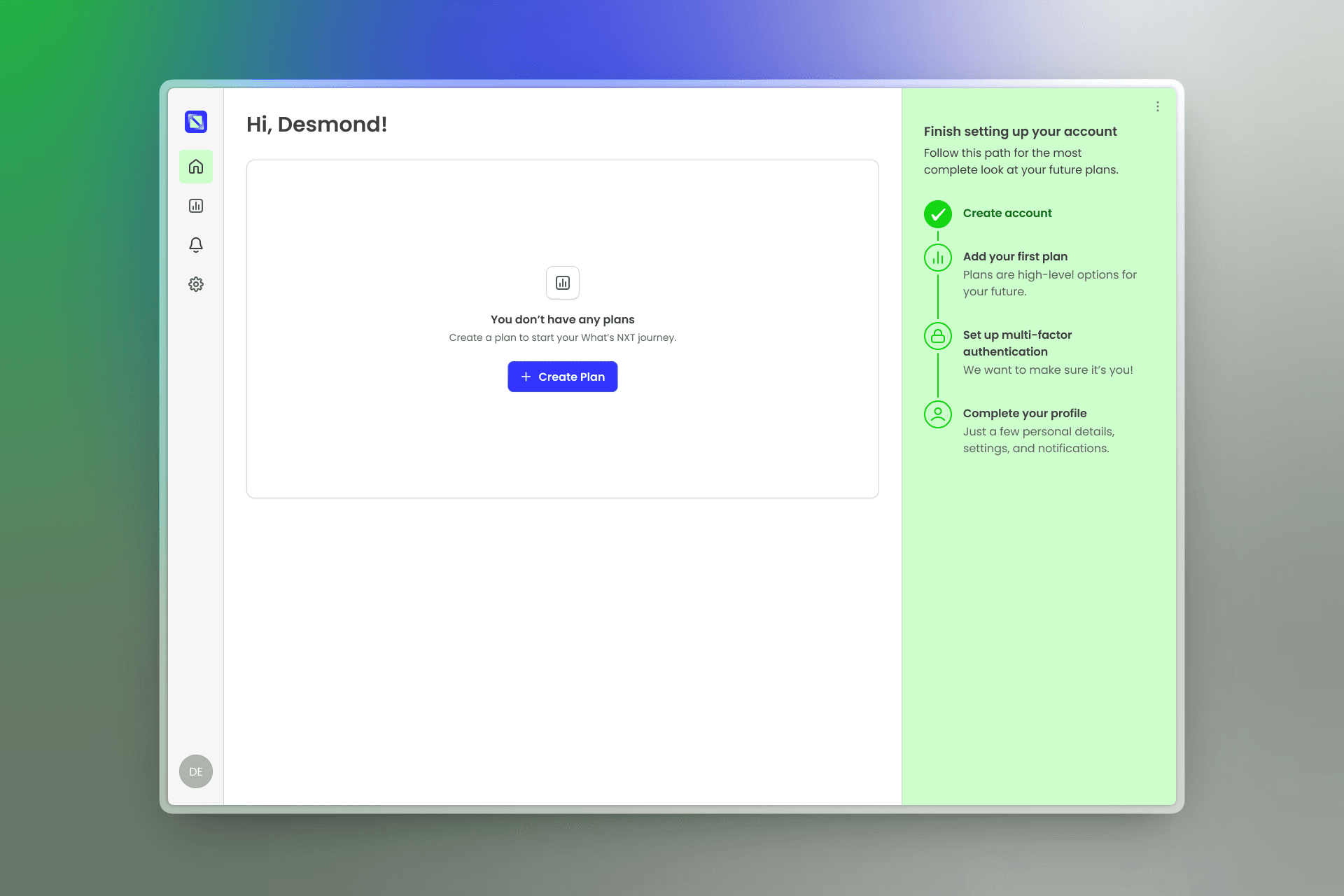
Dashboard interface showing a welcome message with "Create Plan" button centered on white. Green sidebar on the right lists account setup steps.

Overview

What’s NXT is an edtech platform designed to help high school students explore and compare future paths—college, trades, military service, entrepreneurship, and beyond.

I joined as the sole product designer during the first sprint to help move a long-standing idea toward a real MVP. Over two weeks, I led branding, research, and UX/UI design to create a beta-ready product that gives students clarity at a moment when decisions can feel overwhelming.
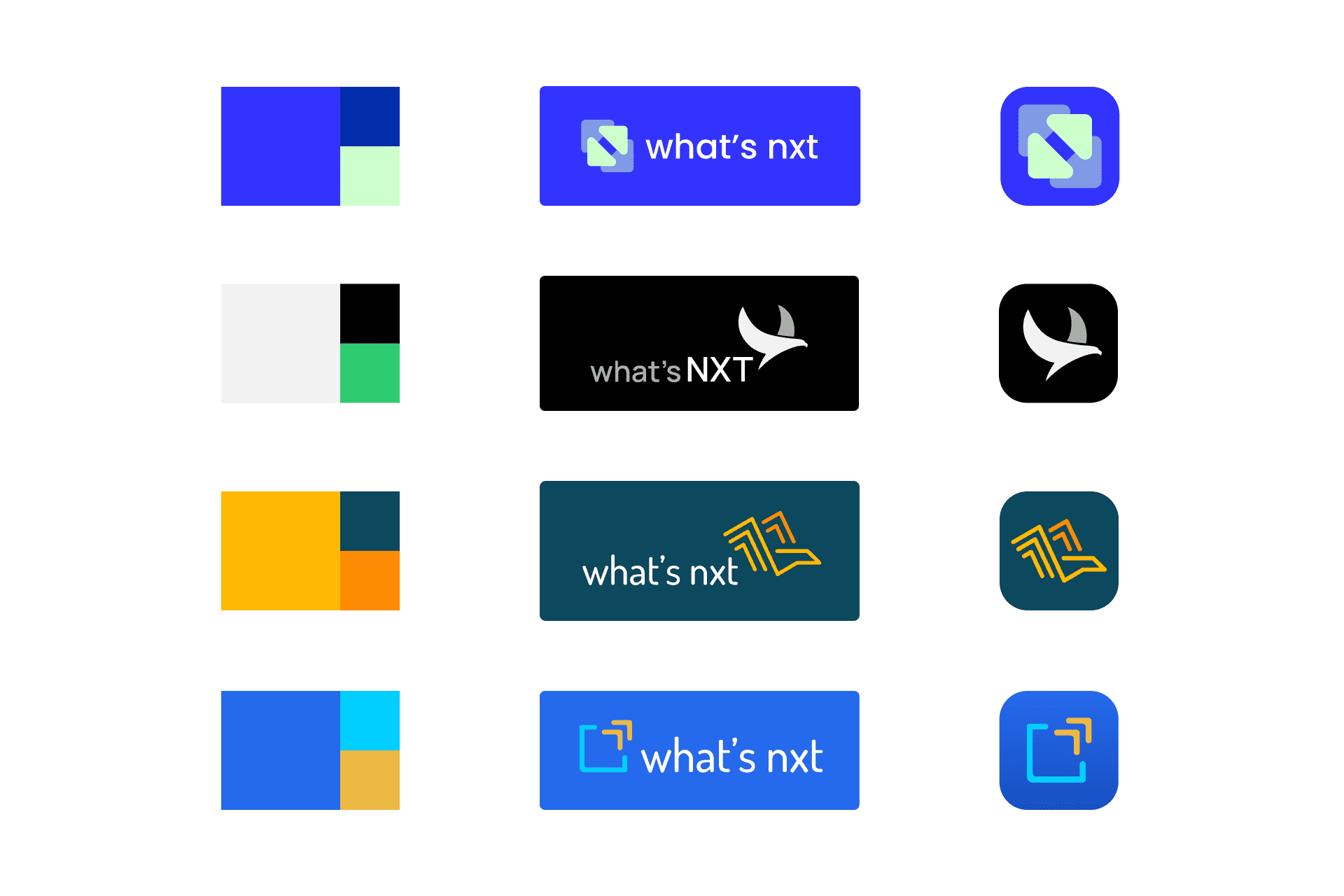
Bold, modern logo variations for "what’s nxt" with different layouts and color palettes; includes abstract bird, squares, and arrows for innovation.
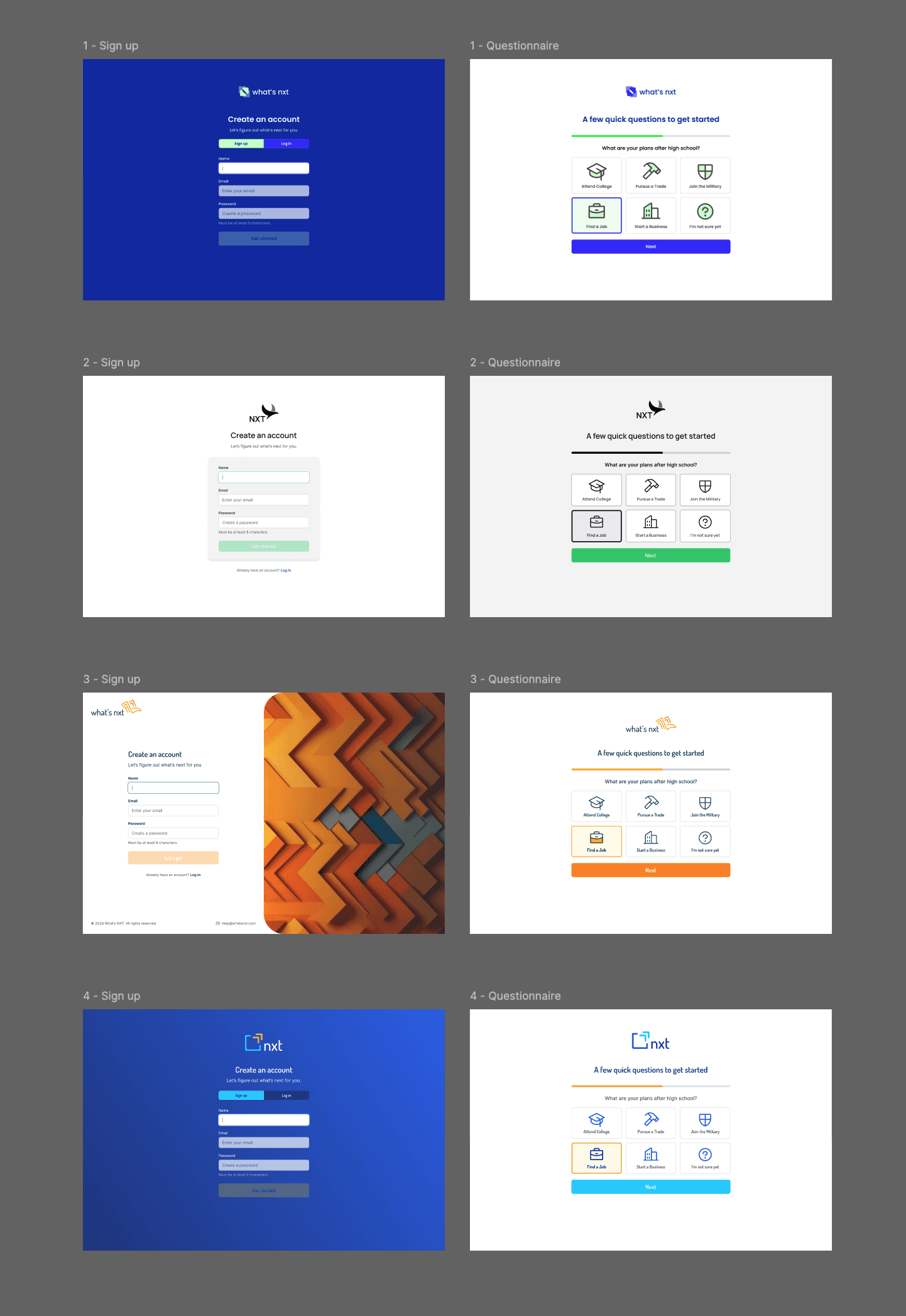
Grid layout showing sign-up and questionnaire screens with varying designs and color schemes.
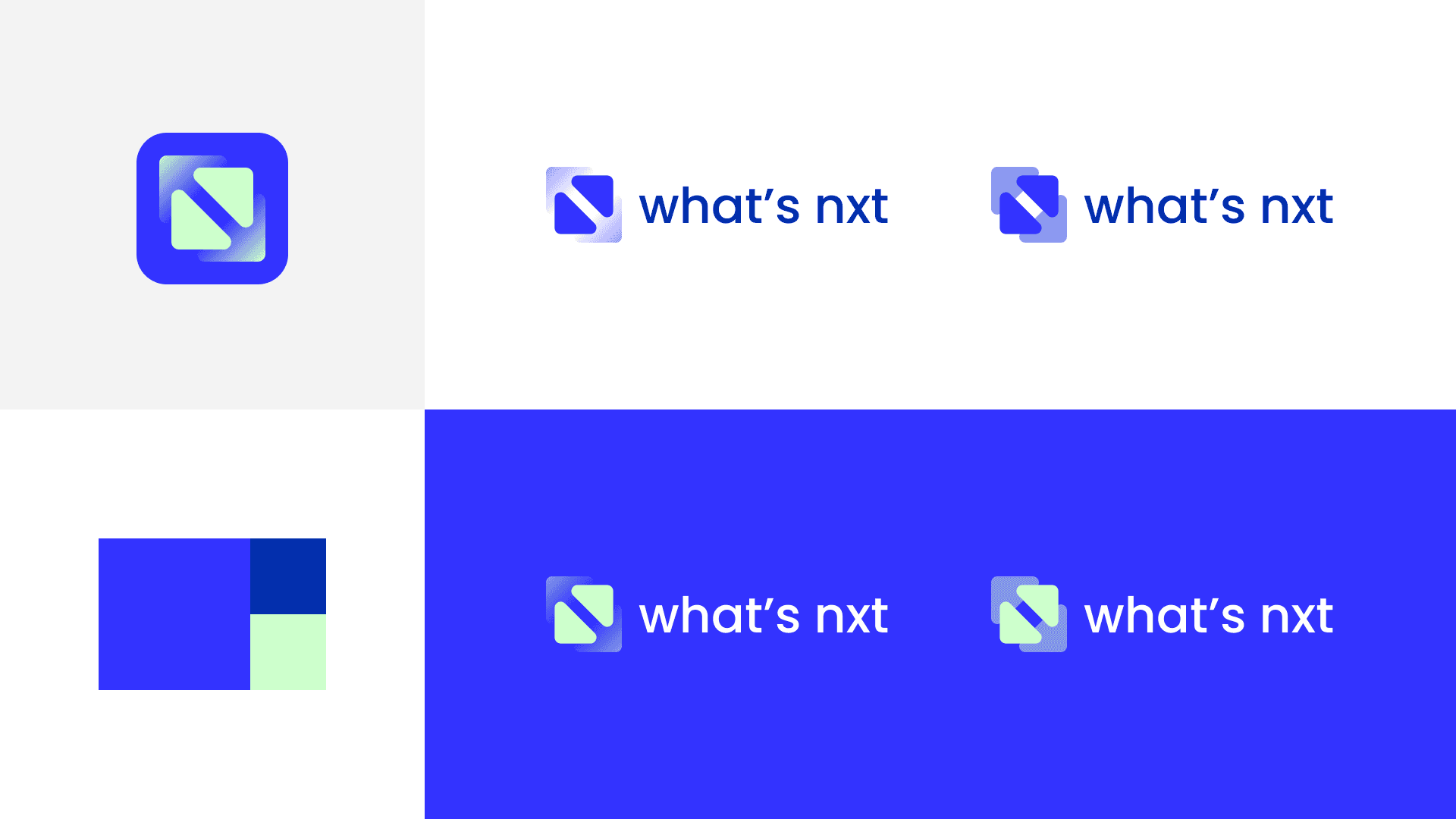
Final logos for "what’s nxt" feature a stylized arrow in shades of blue and green. They are set against white and blue backgrounds, conveying a modern and sleek feel.

Project & Process

Clarifying a long-standing vision

The client had been working on What’s NXT for over five years. There was strong conviction around the problem, but little alignment on how the product should actually work.

I joined at the start of development with a tight timeline and a clear goal: define a usable, buildable MVP that helped students confidently compare life paths without adding noise or pressure.

Rapid research, real constraints

Because I entered midstream, speed mattered. I quickly reviewed past client conversations, earlier design work, and market patterns, then paired that with fast research into student behavior, platform preferences, and learning environments.

One key insight reshaped the product early: a mobile-first app didn’t match real usage. Most students would access the tool in high school computer labs alongside counselors. A responsive web app made far more sense—both technically and contextually.

That decision helped align design, development, and real-world use.

Designing for confidence, not choice paralysis

The core challenge wasn’t showing more options—it was helping students make sense of them.

I focused the experience on:

  • Clear comparisons between paths

  • Macro overviews paired with meaningful details

  • Progressive disclosure to reduce overwhelm

  • Familiar patterns like ratings and side-by-side views

The goal was to replace anxiety with understanding, and curiosity with confidence.

Branding with purpose

Alongside UX work, I explored logo and color directions that felt aspirational but grounded. Every concept was tied back to the product’s goals and audience.

Rather than presenting “favorites,” I framed each option in terms of meaning: intersecting paths, forward motion, planning with intention. This helped guide productive conversations and keep decisions anchored in strategy.

From concept to build

Once direction was set, I translated the brand and UX principles into responsive screen designs across key flows: onboarding, questionnaire, home, plan creation, and comparison.

To support development, I:

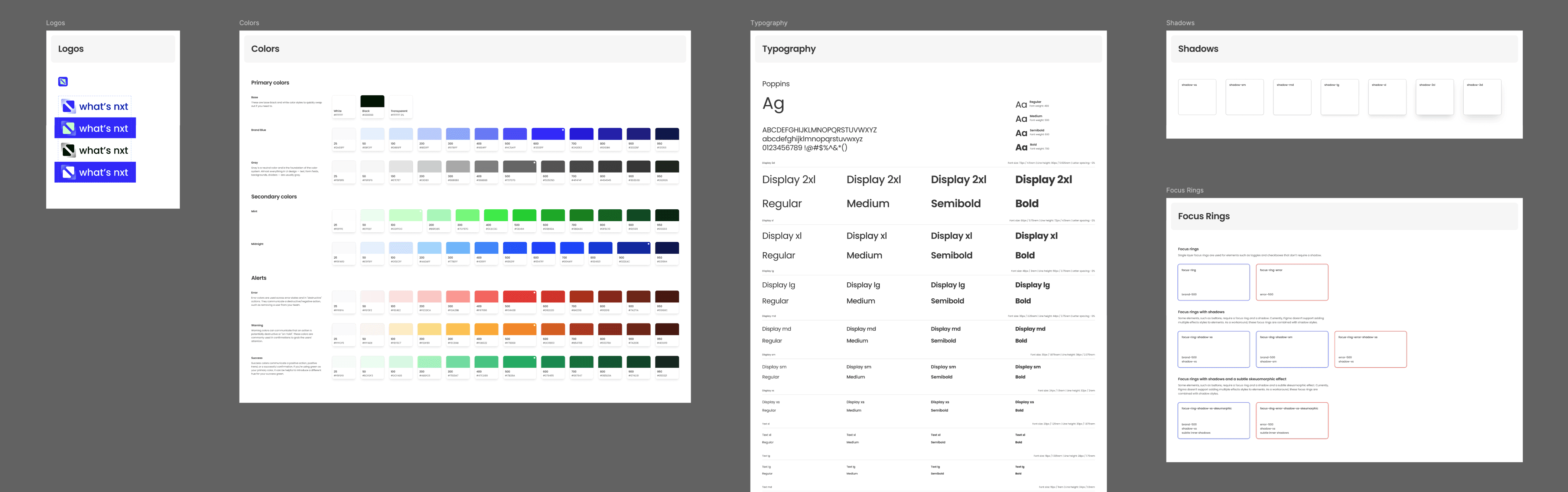
  • Created a lightweight design system for consistency and speed

  • Mapped an ideal-path user flow for engineers to build against

  • Built desktop and mobile prototypes to clarify intent and interactions

This allowed development to move forward confidently, even knowing iteration would come post-launch.
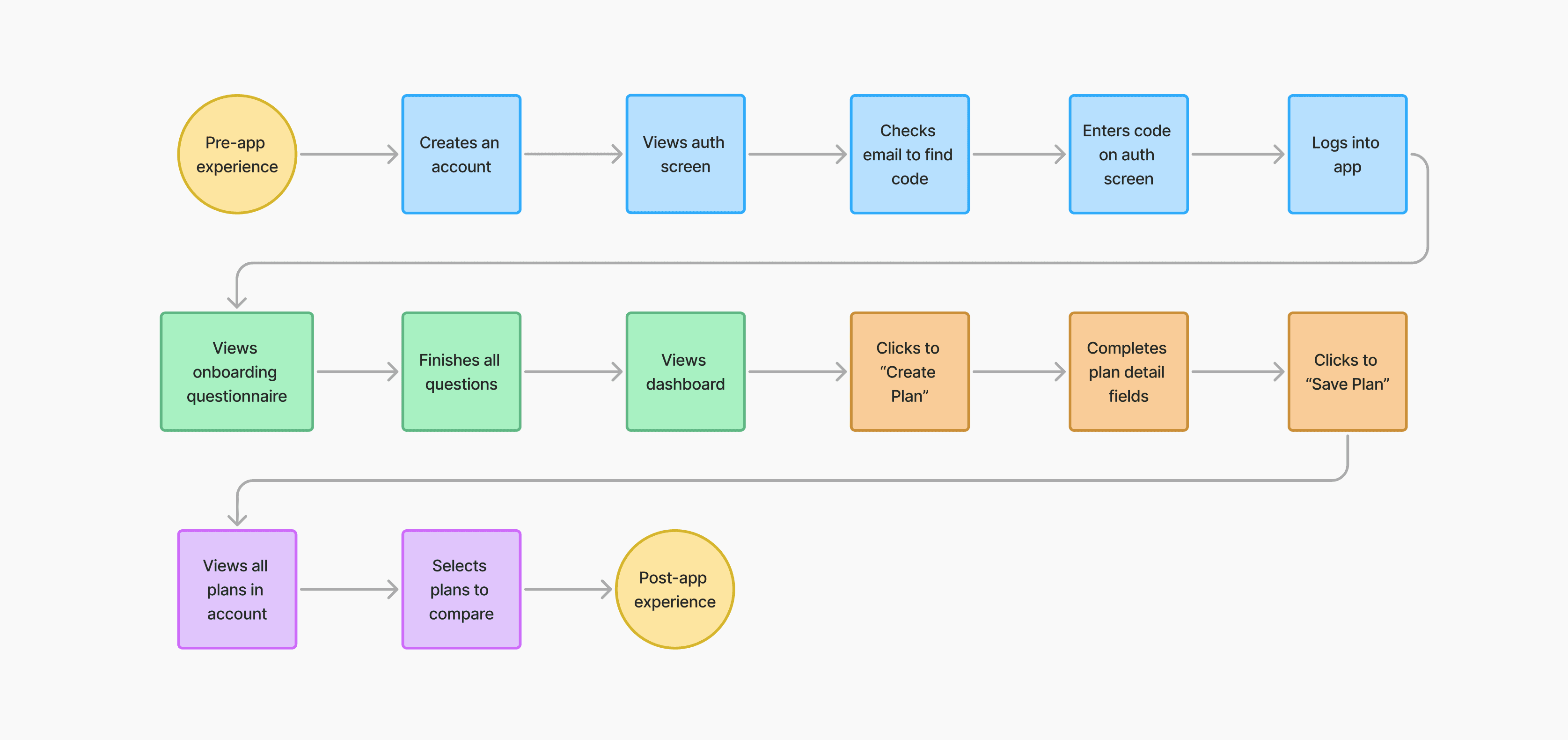
Flowchart illustrating a user's journey with three sections: pre-app, in-app, and post-app experience. Steps include account creation, plan selection, and saving.
UI design system overview with logo icons, color palette, typography styles, directory layout, and button usage examples on a gray background.
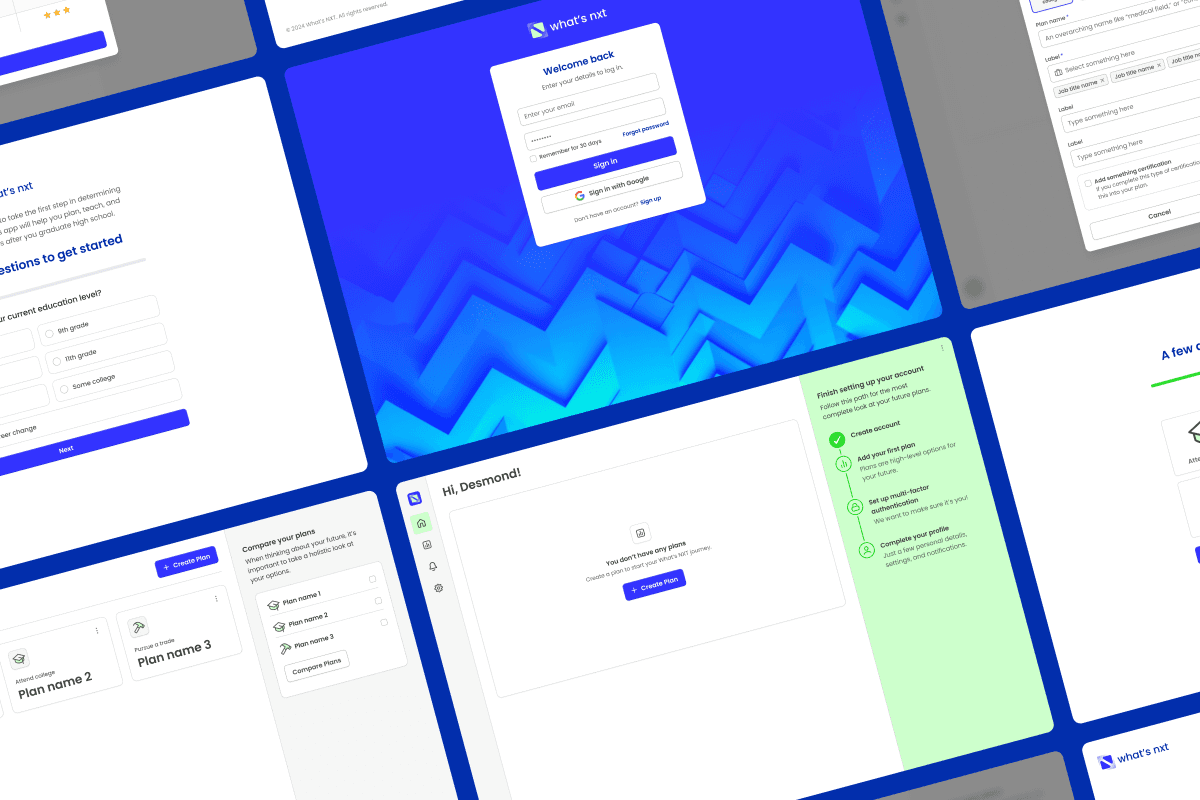
Collage of app screenshots features login form, education level questions, and plan comparison interface. Blue and white theme, modern and clean design.
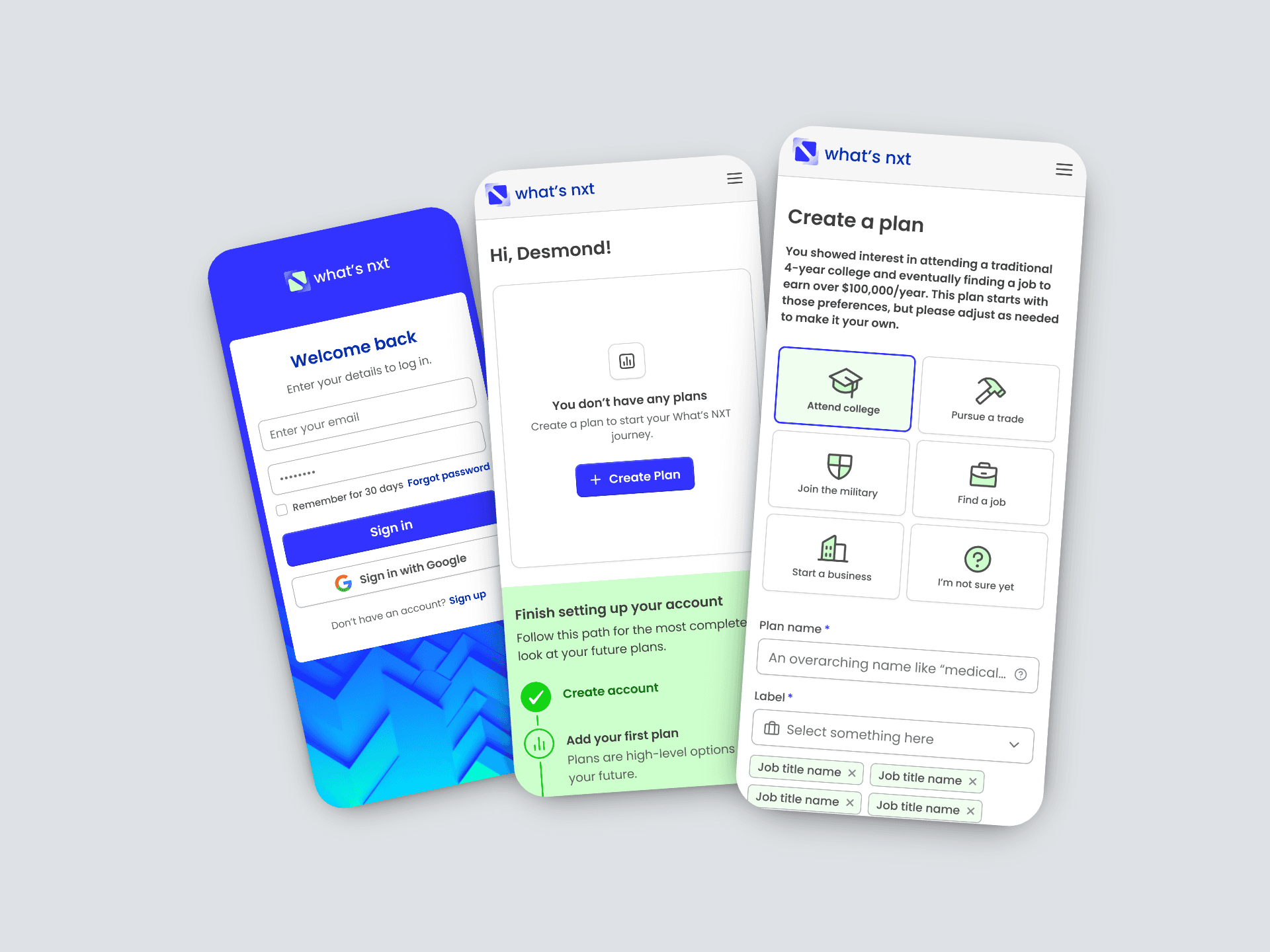
Three smartphone screens show a planning app interface from “what’s nxt.” Screens feature login, plan creation, and career path options in a modern, clean design.

Outcomes & Learnings

After years of exploration, What’s NXT reached a major milestone: a shipped MVP. The app launched in March 2025, giving the team a foundation to test product–market fit and expand into new audiences over time.

For me, the project reinforced the value of fast alignment, practical design decisions, and meeting users where they actually are—not where we assume they’ll be.

"This is pretty damn good! Love the thoroughness in the design system. This is truly inspiring—can't wait to start developing these screens, they look amazing!"

— Oscar Aguilar, CEO, Novel Minds